Everything for your event
Plan tables, seat guests with a tap and keep track of payments.
Floor plan
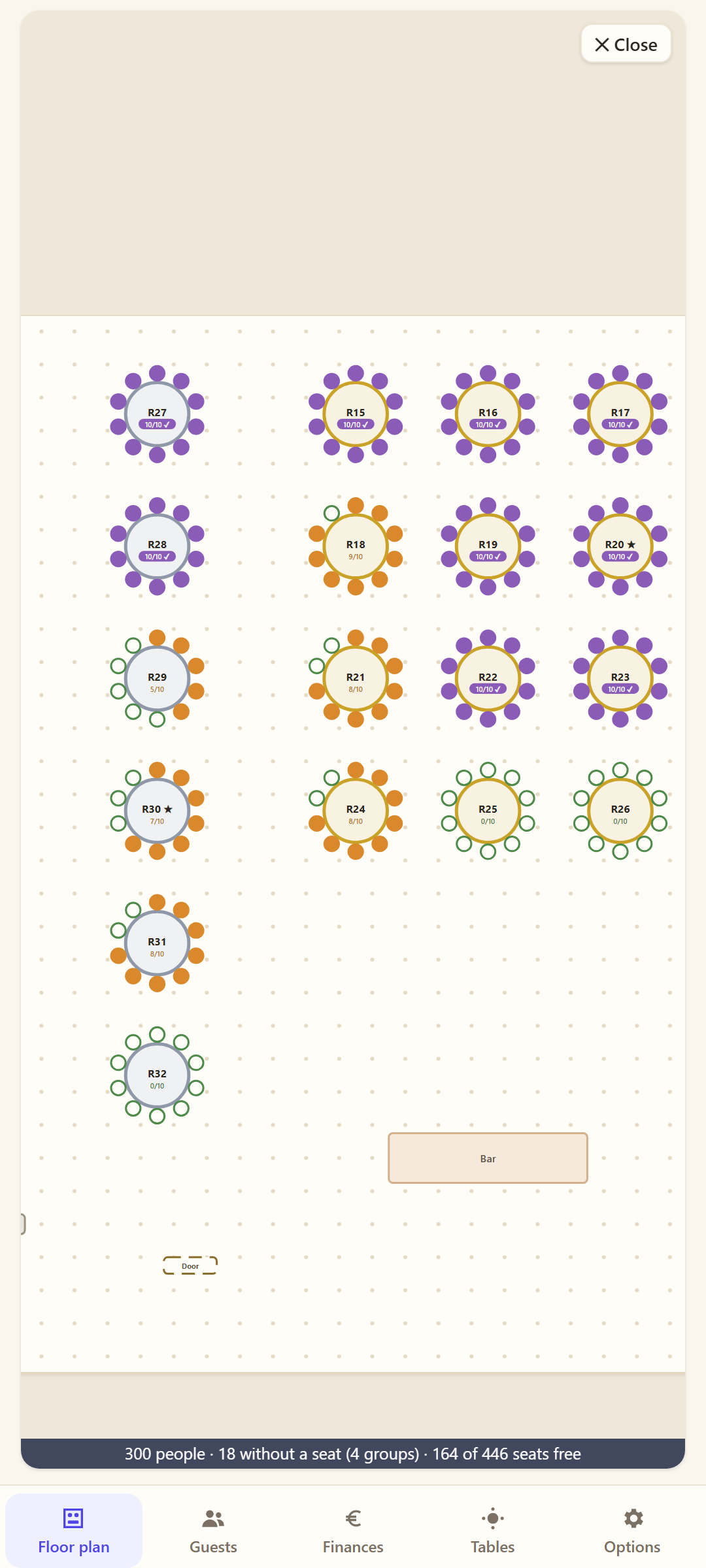
Round and long tables, bridal table, stage, dance floor and bar – drag them into place with your finger. Green = free, orange = partly, purple = full.
Guests
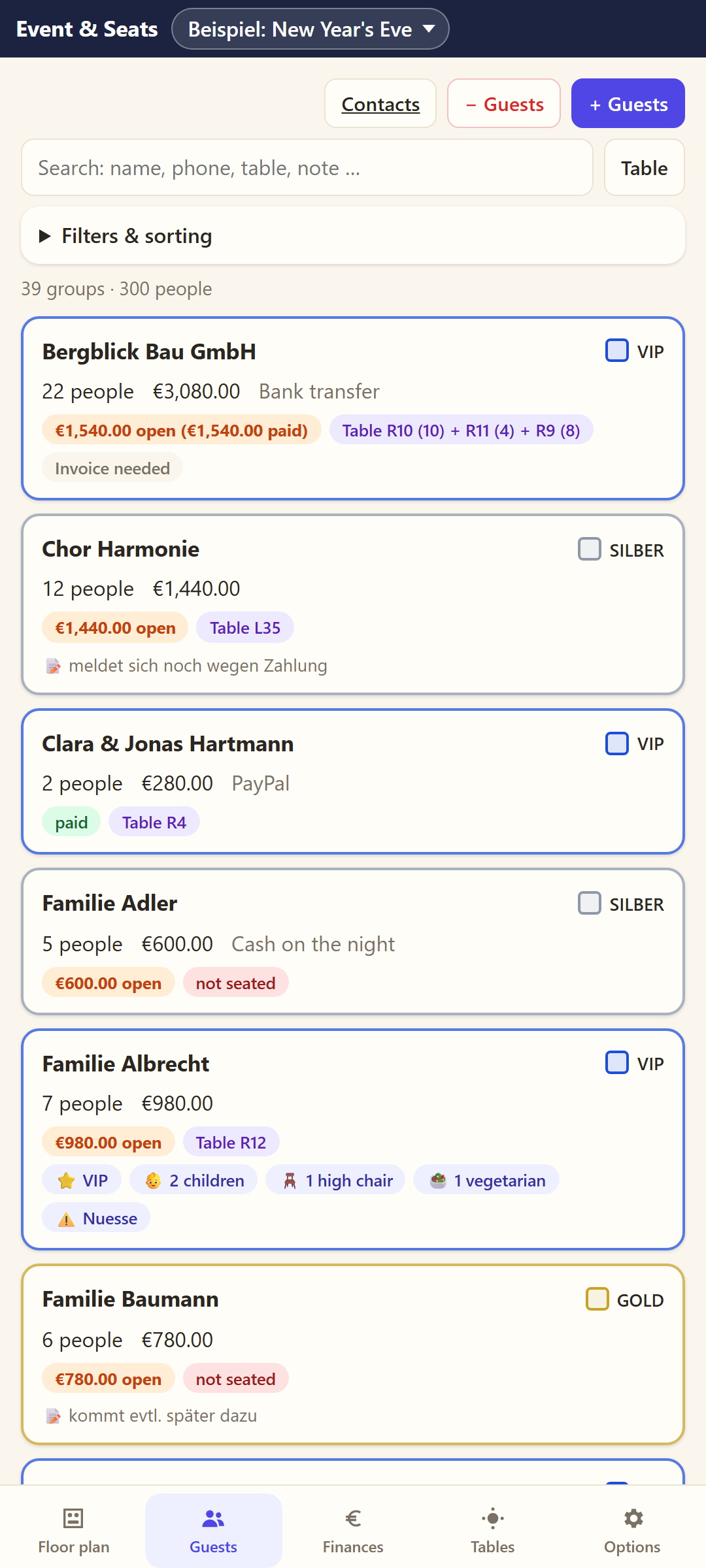
Groups with number of people, guest names, special requests, VIP, children, vegetarian, allergies. Suggestions for who fits at which table – overbooking is impossible.
Prices & payments
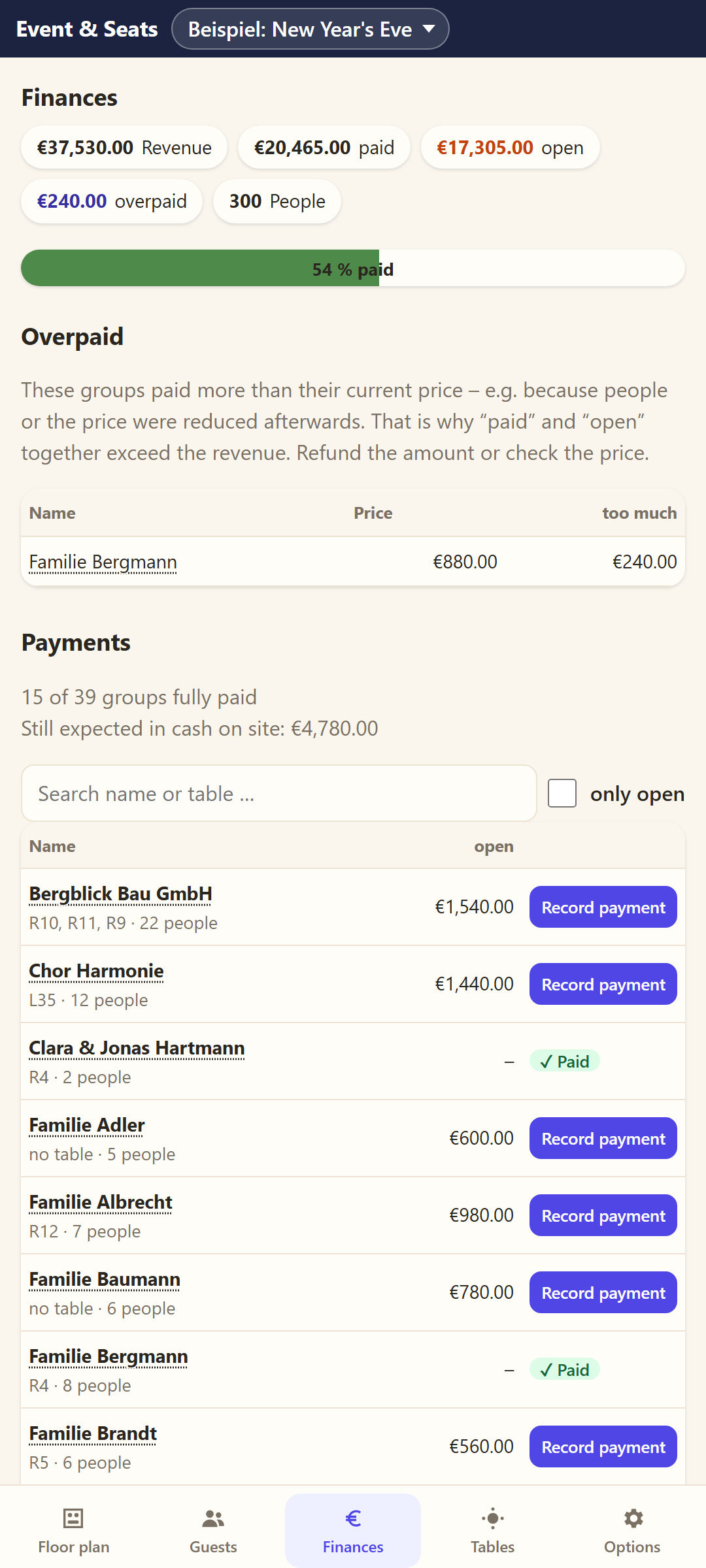
Areas like VIP/GOLD/SILVER or one price for all, deposits, open amounts, cash desk on the night, invoices.
3D view
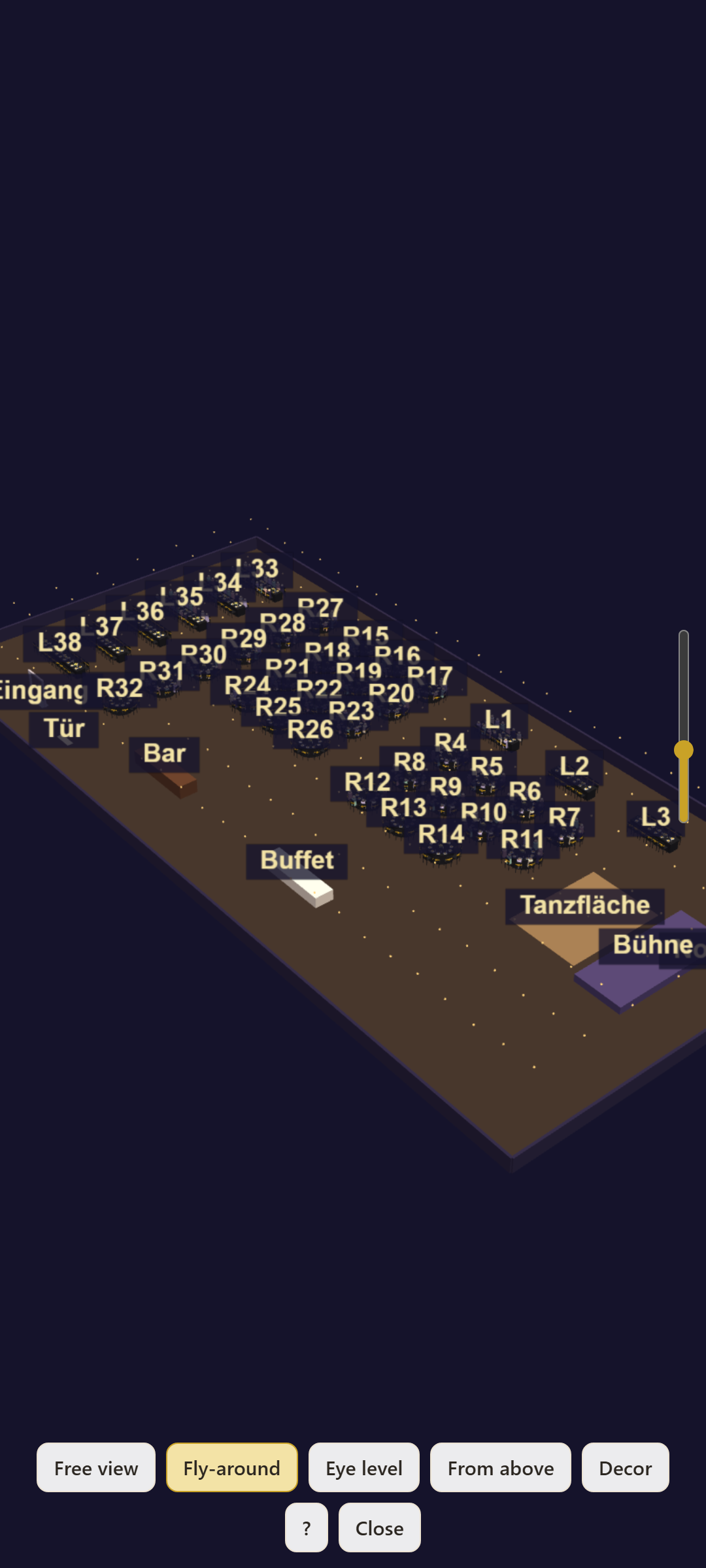
Float through the hall, try out table decor colours and save it as a photo – ideal to show customers.
Print & share
Floor plan as PDF, festive entry list from A to Z, guest list as a spreadsheet – straight via WhatsApp or email.
Phone and PC
The same planning on phone and PC, transfer via QR code over your own Wi-Fi – no cloud.
What it looks like
Pictures from the included “New Year's Eve” example with 300 guests.
Your data stays with you
Guest lists are personal. That's why Event & Seats works entirely on your device.
- No account, no sign-in
- No cloud – everything stays on your device
- No ads, no tracking
- Backup as one file, e.g. in Google Drive or via WhatsApp
Prices
Try it for free – no subscription.
Free
- All features
- Up to 30 people per event
- Two examples to try out
Pro
- No guest limit
- Buy once, no subscription
- Belongs to your Google account – also on a new phone
FAQ
Do I need internet?
No. The app runs completely offline. Only buying Pro goes through Google Play.
What happens to my data when I change phones?
Under “Options” you save a backup as one file and restore it on the new device. Pro is restored automatically via your Google account.
Which events is the app for?
Anything with tables and guests: weddings, New Year's Eve parties, galas, company parties, birthdays and club events. Private parties work without prices and payments, too.
Is there an iPhone version?
Not yet. The Android version comes first, then Windows.